Google Chrome (Android)
You will get an install banner asking you to add it, but if you denied that, you can just click the top right menu in chrome, and click "add to homescreen".
Firefox (Android)
It's really simple: if the site you're visiting is a PWA, firefox will show a home icon in the URL bar, and all you need to do is to click that.
Safari (iOS)
Please follow this link: click me
Google Chrome (Desktop)
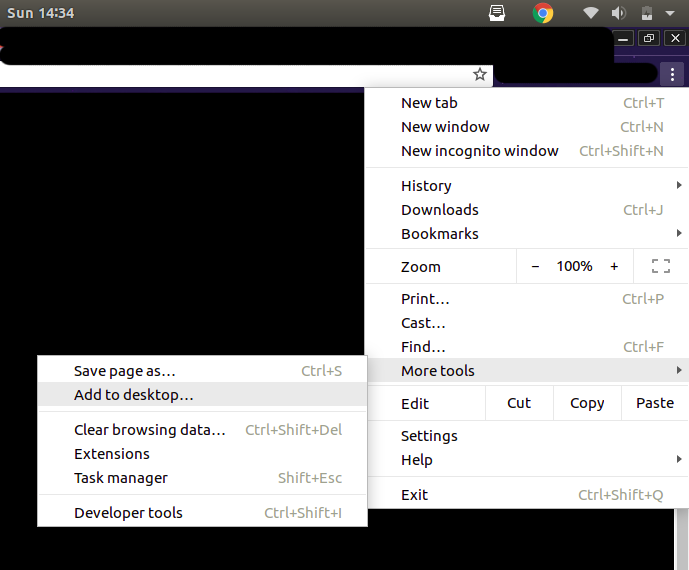
In Google Chrome Desktop, you can add a PWA to your homescreen pretty easily, as shown in the above screenshot.
Opera (Desktop)
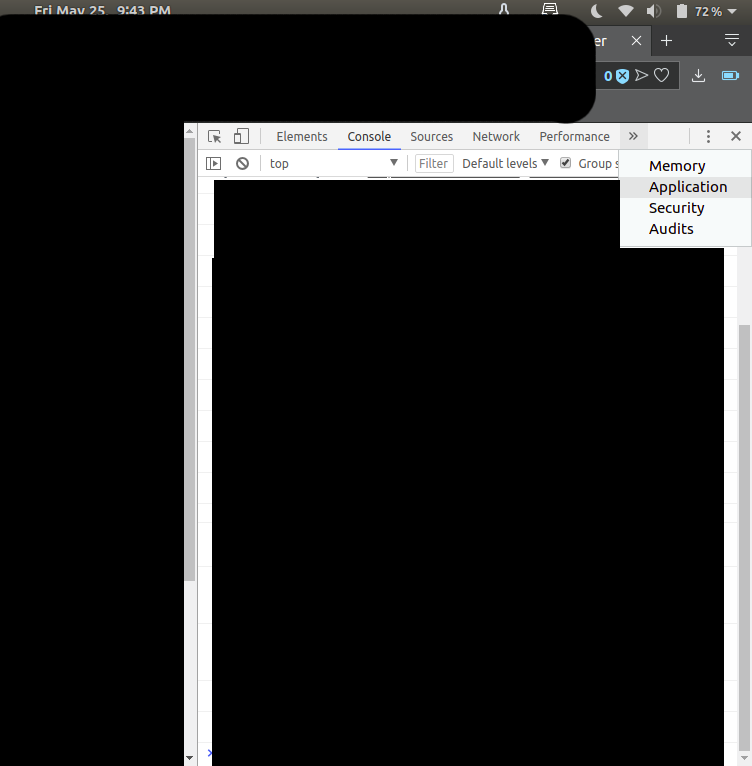
- Press "ctrl + shift + I" to open developer tools.
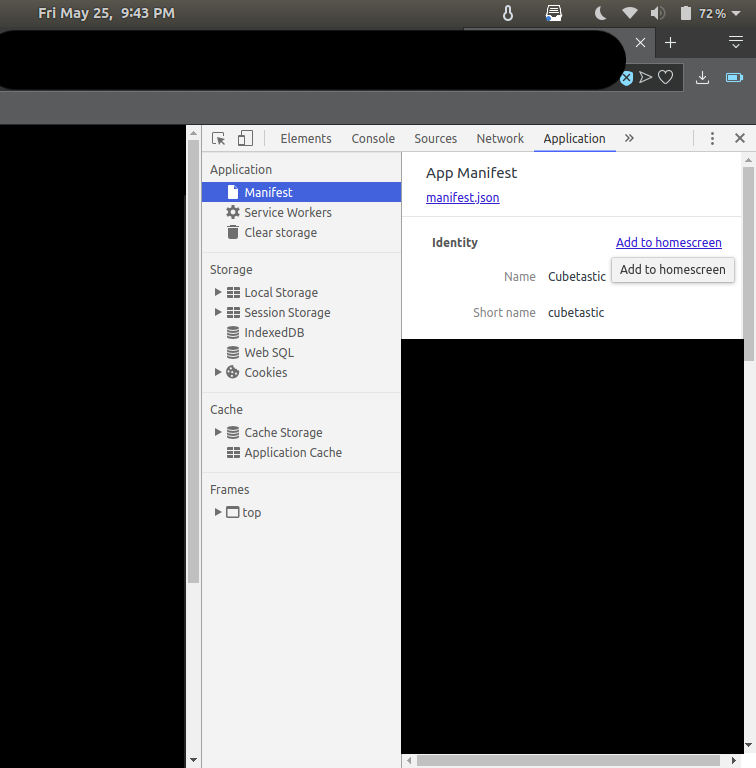
- Click on "Application"
- Make sure "Manifest" is selected in the left, then click on "Add to homescreen"