Info
Solve Info
Choose a background image
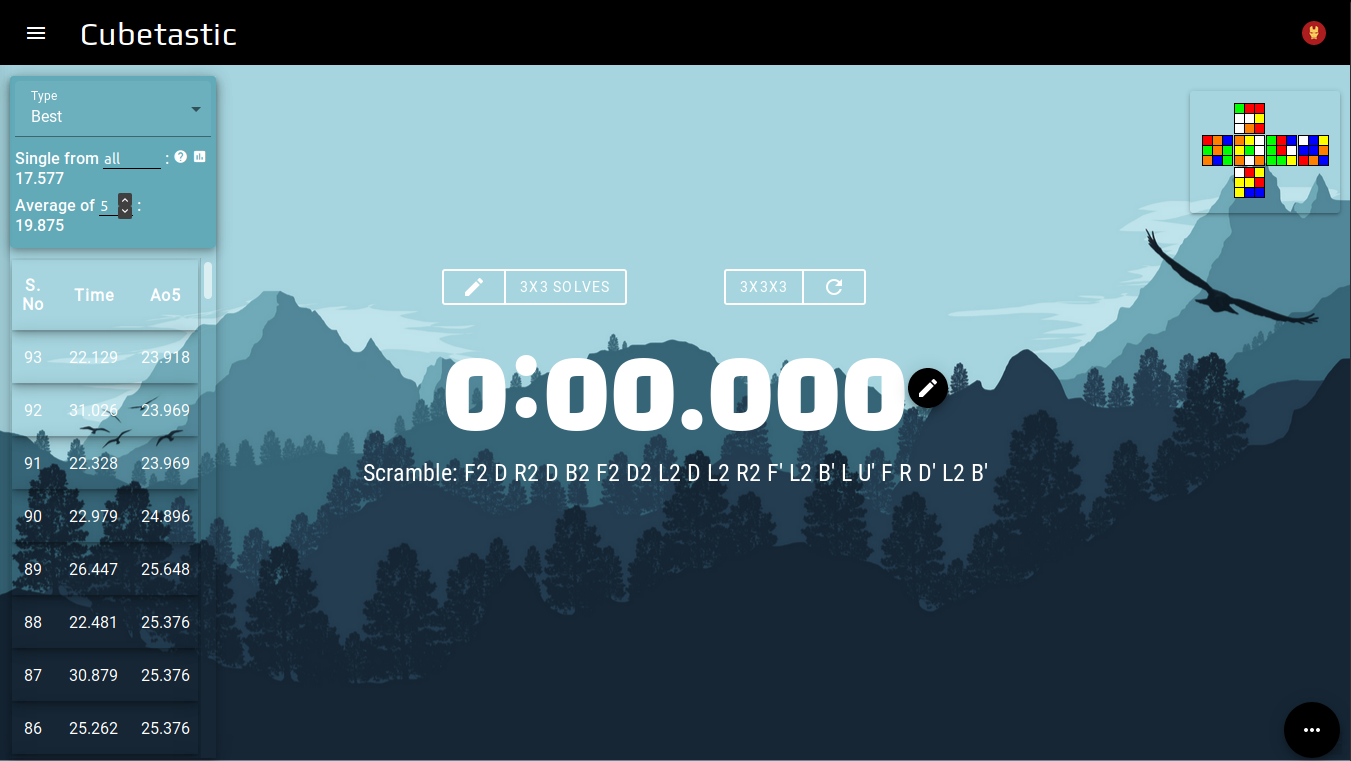 Forest Mountain, by ncoll36
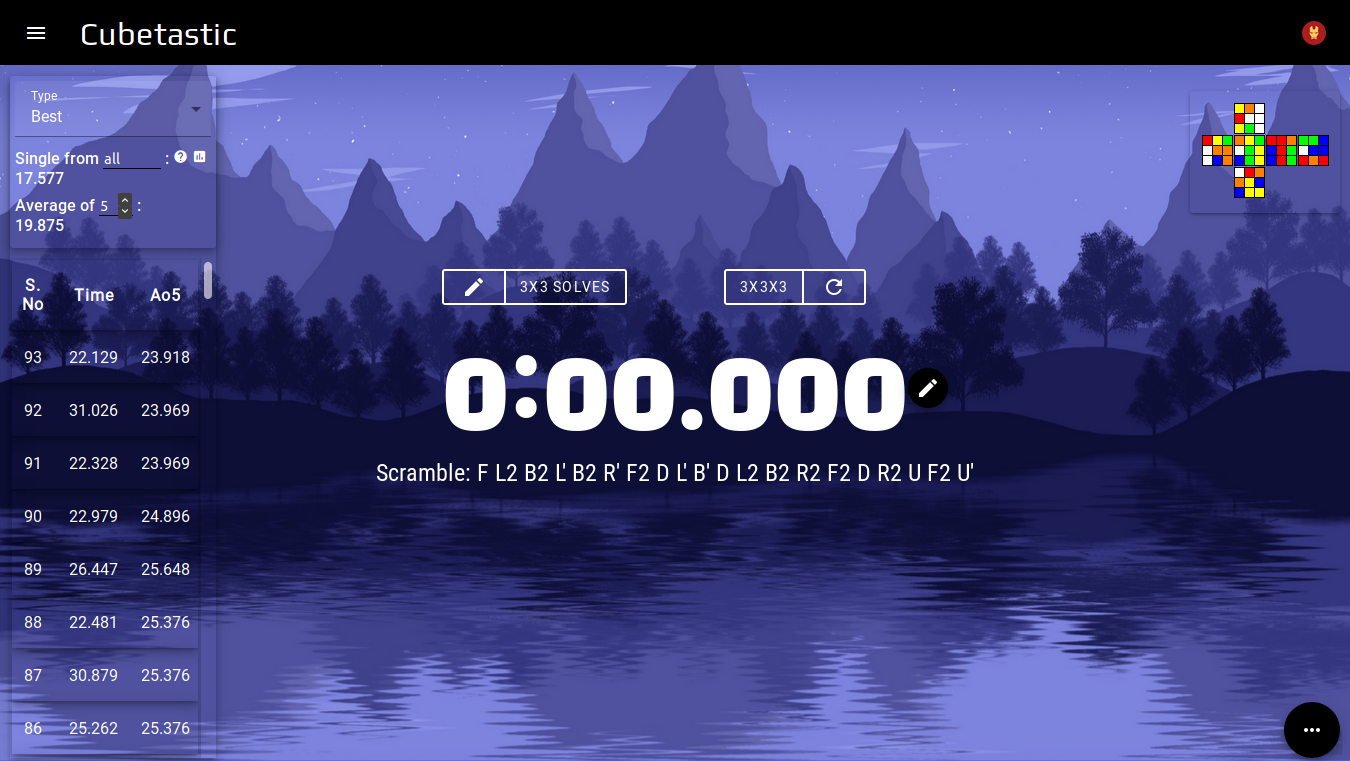 Mountain Lake, by ncoll36
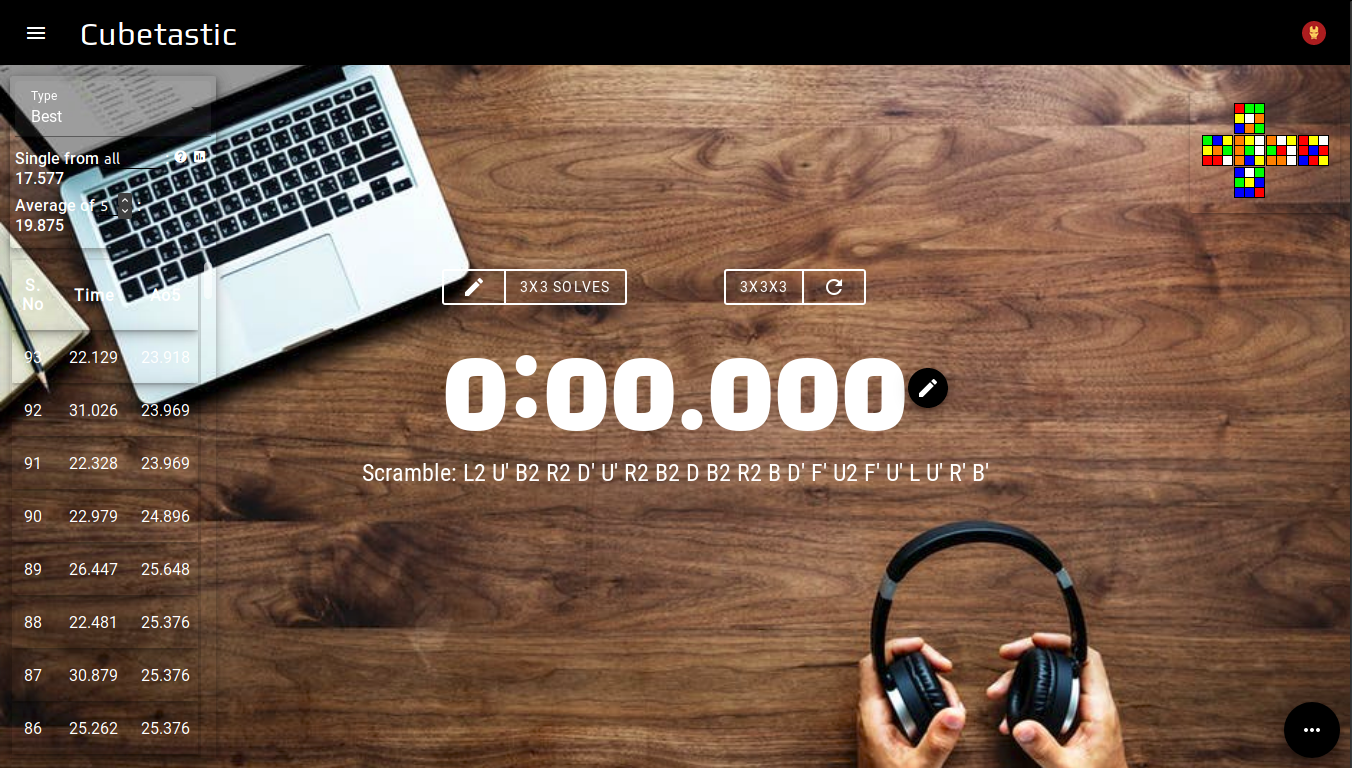 Work Table
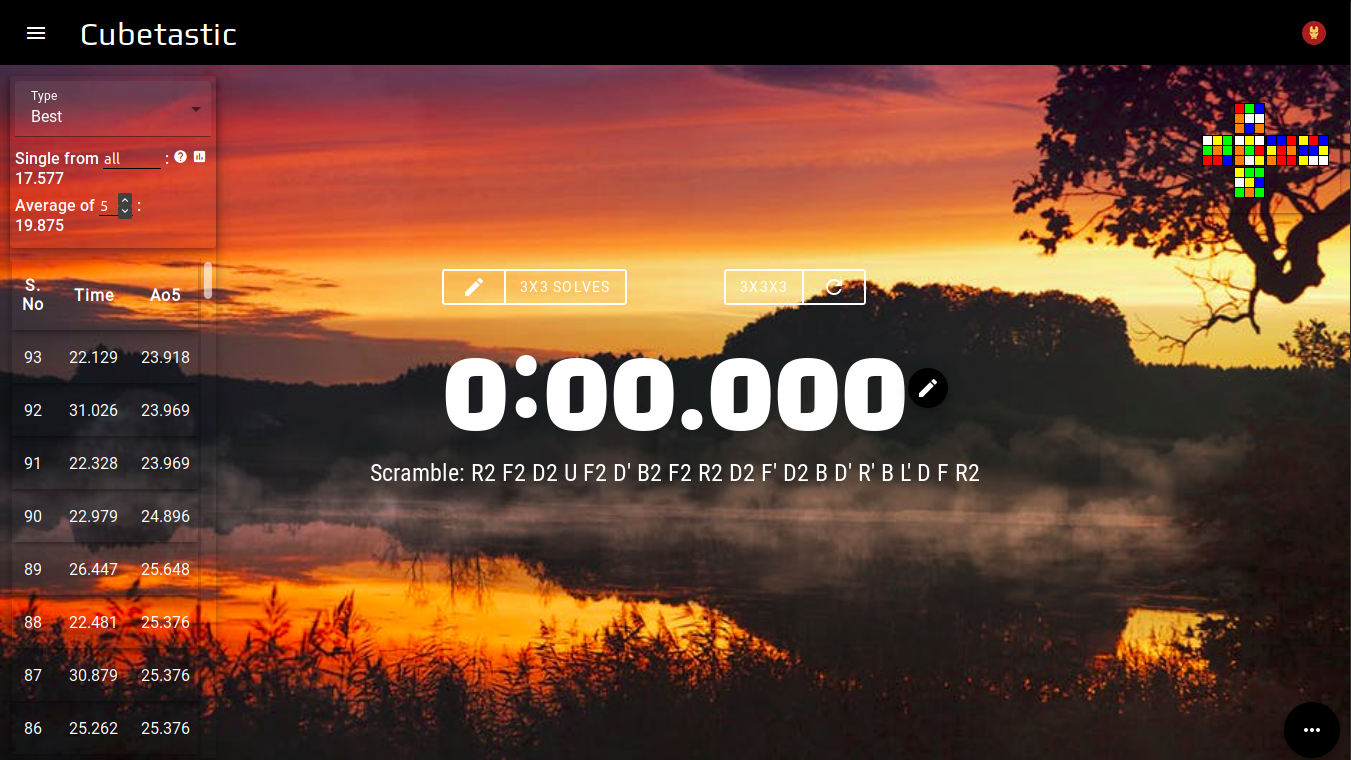 Mountain Silhouette
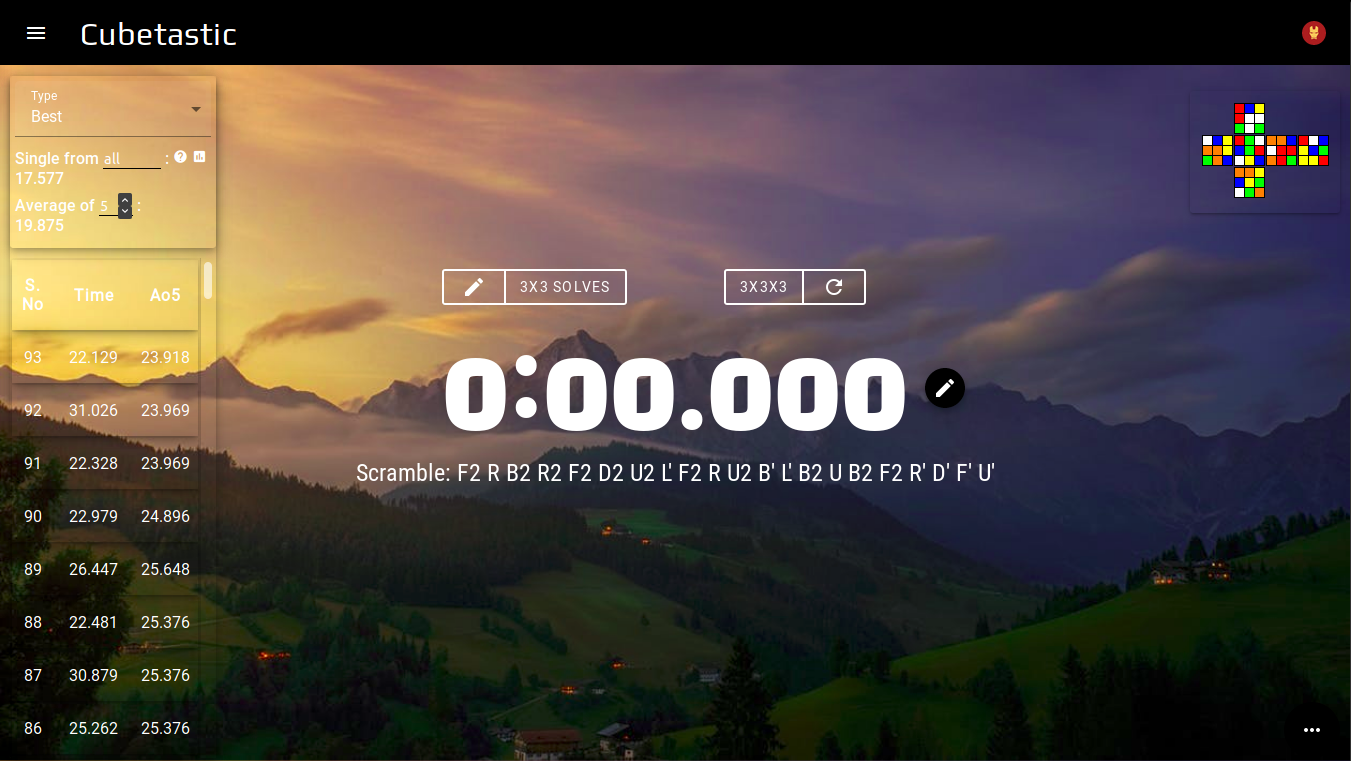 Clouds At Dawn
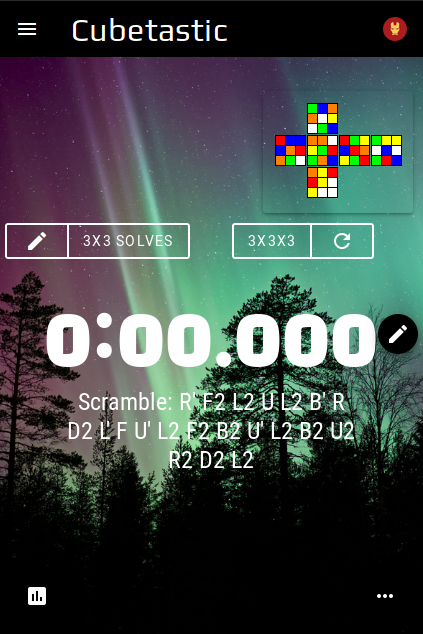 Aurora, by Vincent Guth
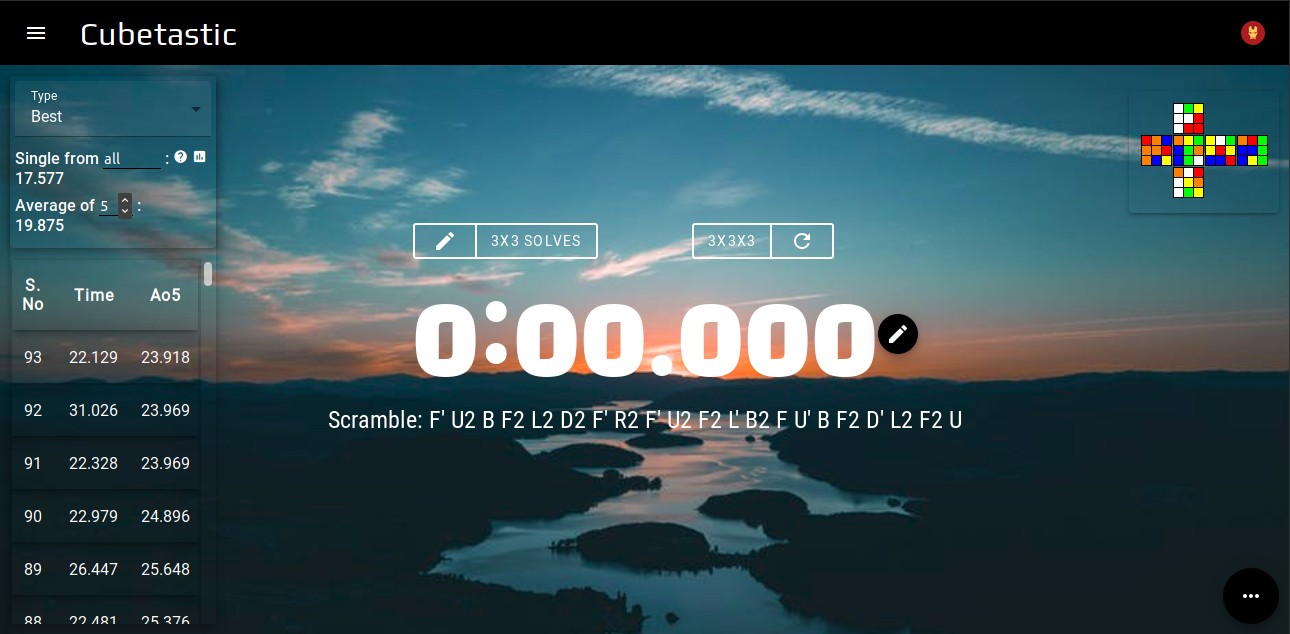 Lake at Dawn, by Sindre Strøm
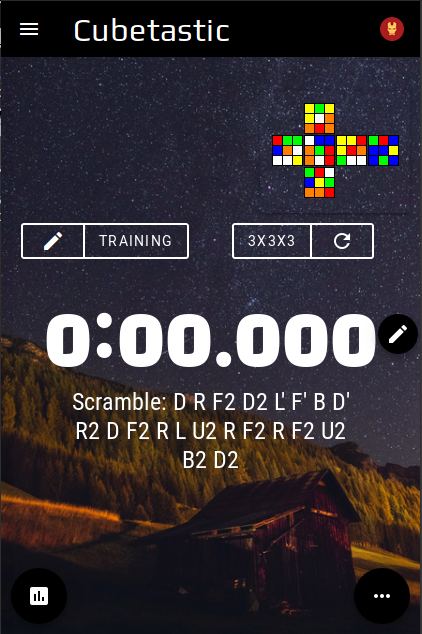 Starry Night, by Enrico
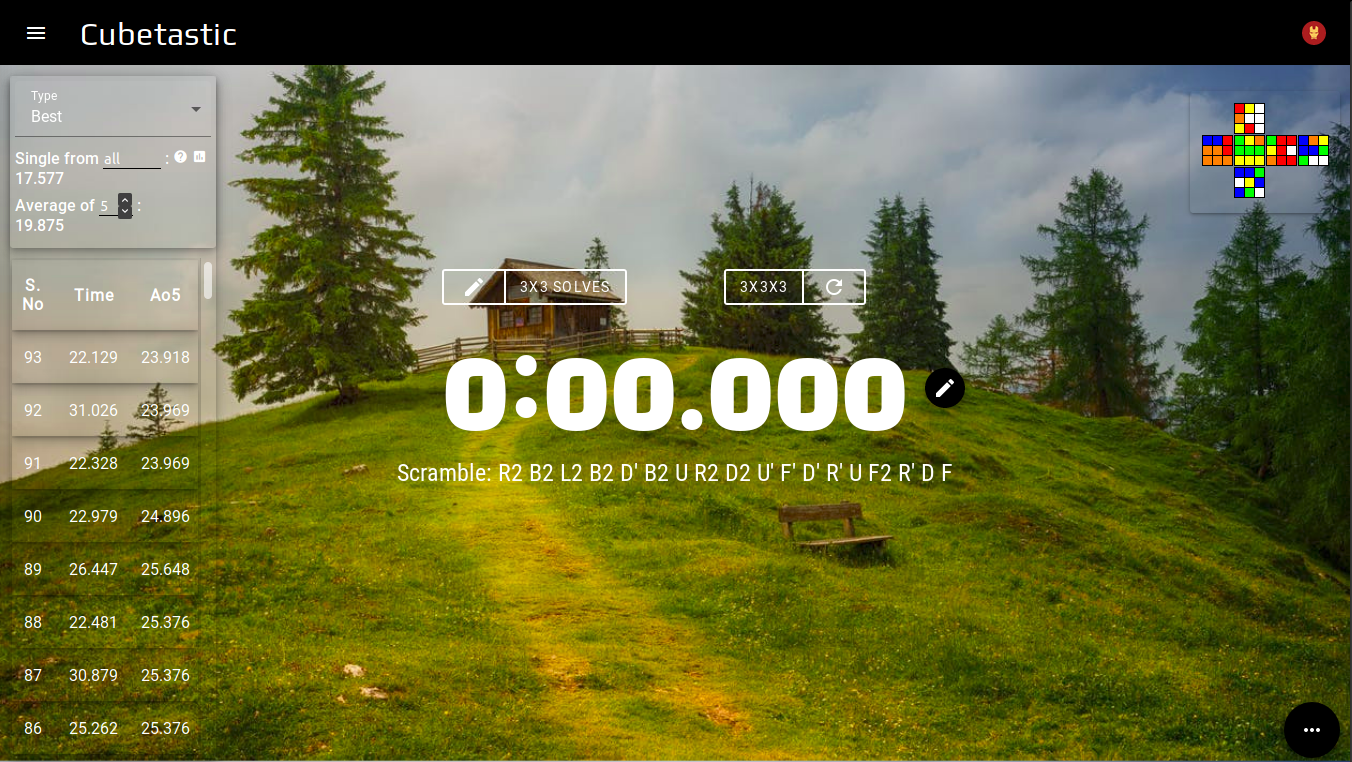 Countryside Cabin
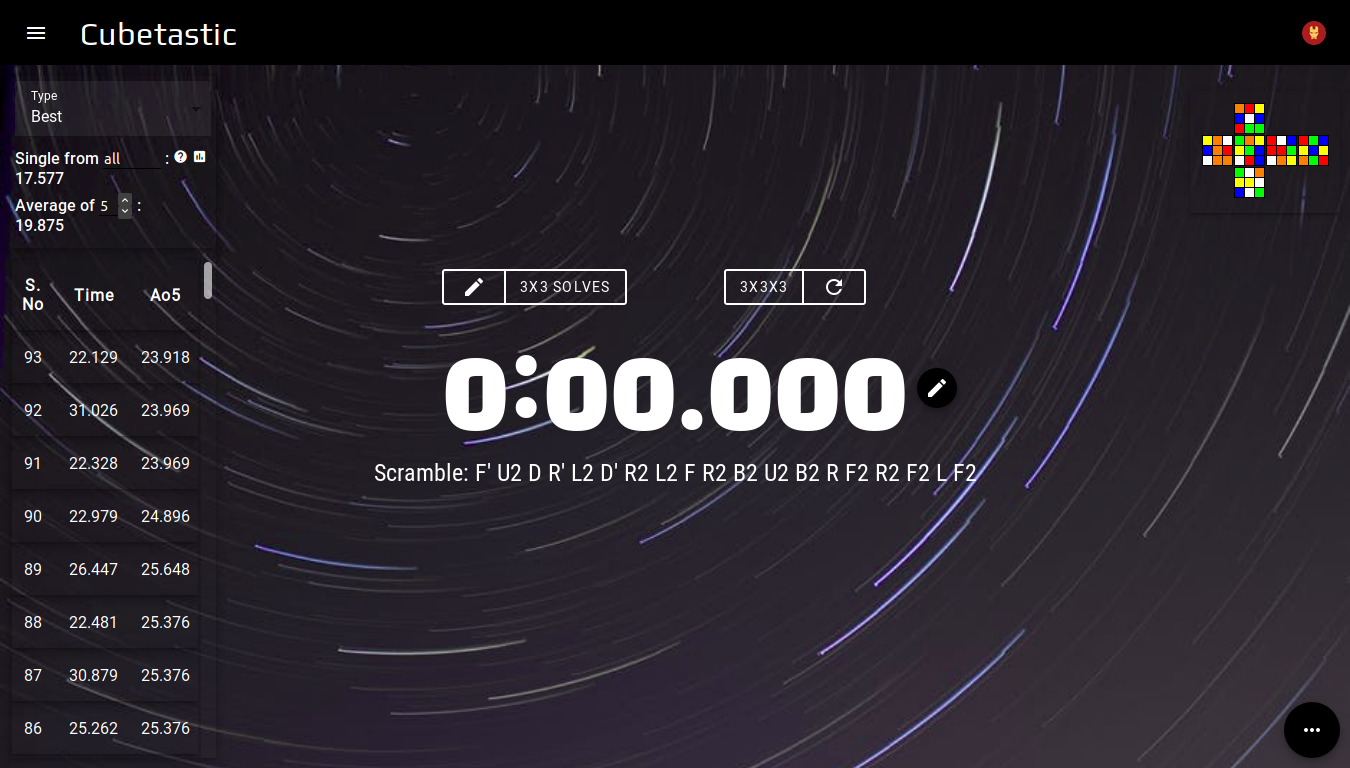 Stars Timelapse, by Jakub
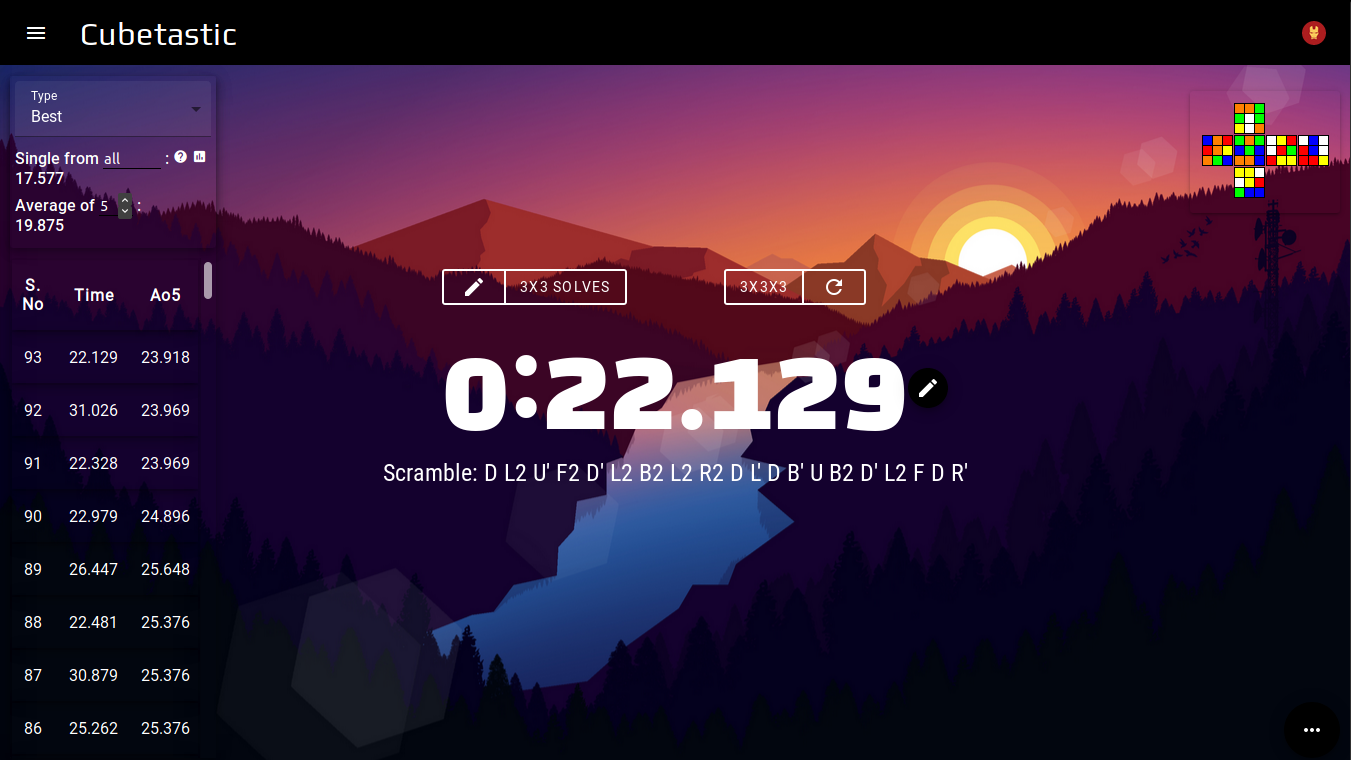
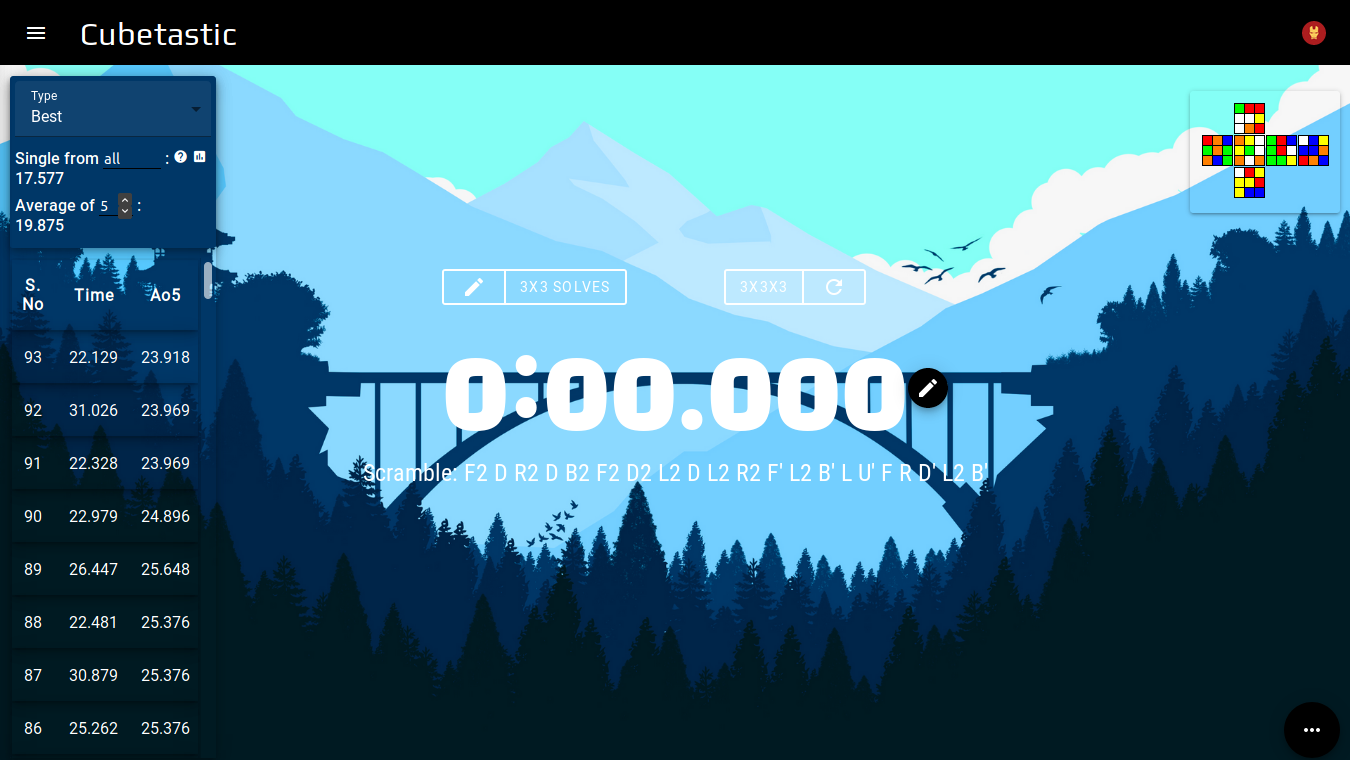
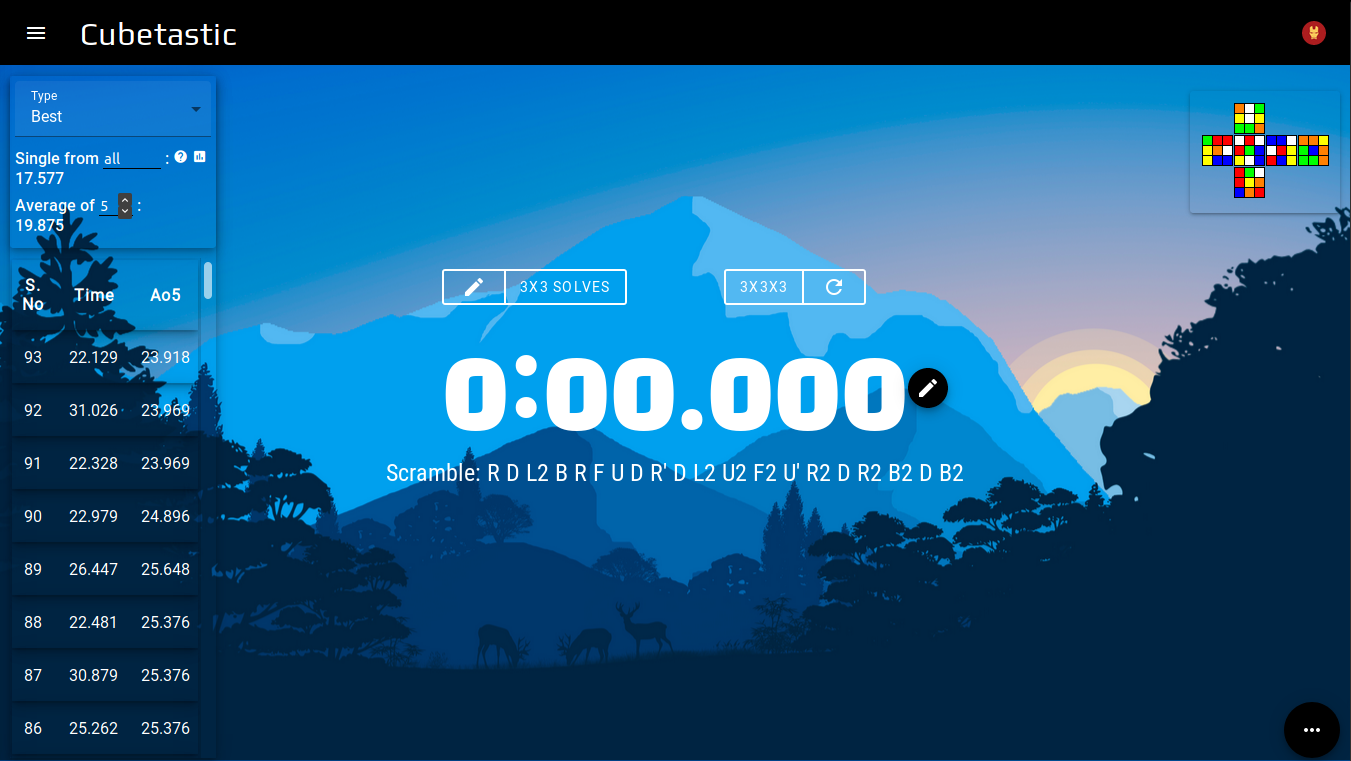
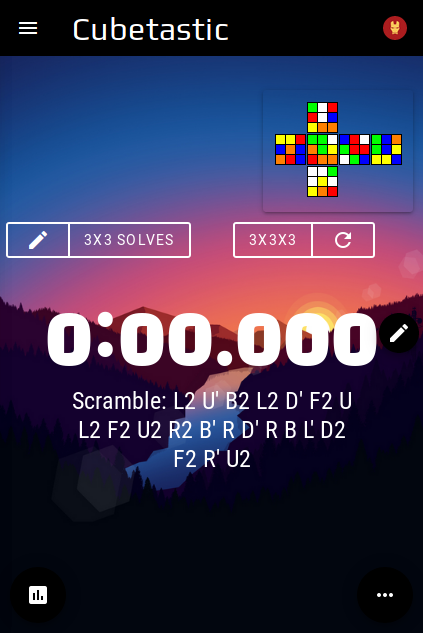
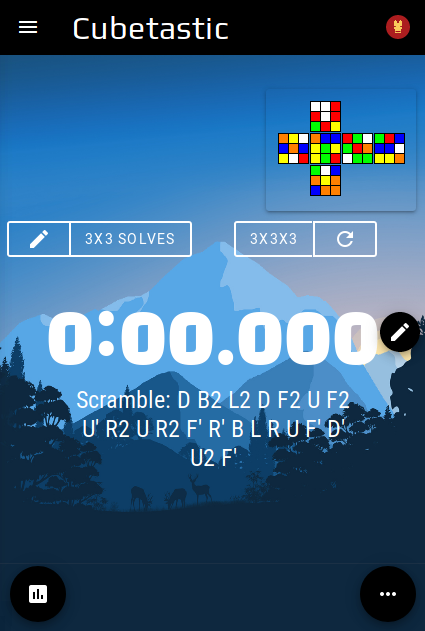
Settings
Timer Settings
Color Settings
Reminders
Enter all times in seconds. For example, 1 min 32 sec will be 92.
- add
Info
Welcome to cubetastic timer! This timer has a lot of uses.
One of the most striking features of this timer, is that it uses the official TNoodle scrambling program!
You can add it to your homescreen like any other app (more details given below), and this
website also works offline.
When you're online, you get even more features like syncing your times. Once you sign in to your account, any solve you do after that will get synced. Next time, when you are using some other device or browser, you just need to sign in to your account, and all your times from this device will appear there! If you have any feedback, you can click the feedback icon in the menu, and it will redirect you to a feedback page.
When you're online, you get even more features like syncing your times. Once you sign in to your account, any solve you do after that will get synced. Next time, when you are using some other device or browser, you just need to sign in to your account, and all your times from this device will appear there! If you have any feedback, you can click the feedback icon in the menu, and it will redirect you to a feedback page.
Keyboard shortcuts
There are currently 3 keyboard shortcuts:- `shift + del` to delete last solve
- `shift + 2` to toggle last solve as +2
- `shift + D` to set last solve as DNF
Install PWA
This website is a PWA (Progressive Web App), which means you can add it to your homescreen, and it will work just like any other app, even offline! You can install this (if your browser supports it) by clicking the menu of your browser, and then clicking "Add to homescreen". For more detailed browser - specific instructions, click here.How do I import solves?
Import from csTimer
Import from Twisty Timer
Import/Export
Right now, only importing solves from the specified timers is supported.
Please do not try to import from other timers, because it might cause errors!help
Note: For csTimer and TNT, make sure you import as .csv, and not as .txt or .json.
Note: For csTimer and TNT, make sure you import as .csv, and not as .txt or .json.
Under construction
Statistics
Firstly, select whether you want to see info about your
best solves, or your current solves, or your worst solves, by clicking on the select menu
in the very top of the stats box.
Now, you can see your averages and singles for the type of stats you selected. If you want to see your average of 12, for example, just type in "12" in the text field after "Average Of". And then, let's say you selected "Best" in the select menu. Now, if you want to see your best single from your last 10 solves, and you've done a total of 25 solves, just enter "15-25" in the text field after "Single From". Same goes for "Worst" also. If you select "Current", and then enter "1-17", you'll get what your 17th solve was.
Now, you can see your averages and singles for the type of stats you selected. If you want to see your average of 12, for example, just type in "12" in the text field after "Average Of". And then, let's say you selected "Best" in the select menu. Now, if you want to see your best single from your last 10 solves, and you've done a total of 25 solves, just enter "15-25" in the text field after "Single From". Same goes for "Worst" also. If you select "Current", and then enter "1-17", you'll get what your 17th solve was.
Statistics
Graph of last
solves
Time Range:
Add Solves
Note: You can set solves as +2 or DNF after adding
them to your session.
- Category:|add
0:00.000
Generating Scramble...